
 AI TOOL
3D Creator
Generate real textured 3D models from text, one image, or multiple views, then preview and download the GLB.
ForgeGUI is an AI game asset generator for creating GUI, textured 3D models, thumbnails, characters, effects, audio, localization, and code in one cinematic workspace.
Create once. Ship everywhere.





 AI TOOL
Generate real textured 3D models from text, one image, or multiple views, then preview and download the GLB.
 AI TOOL
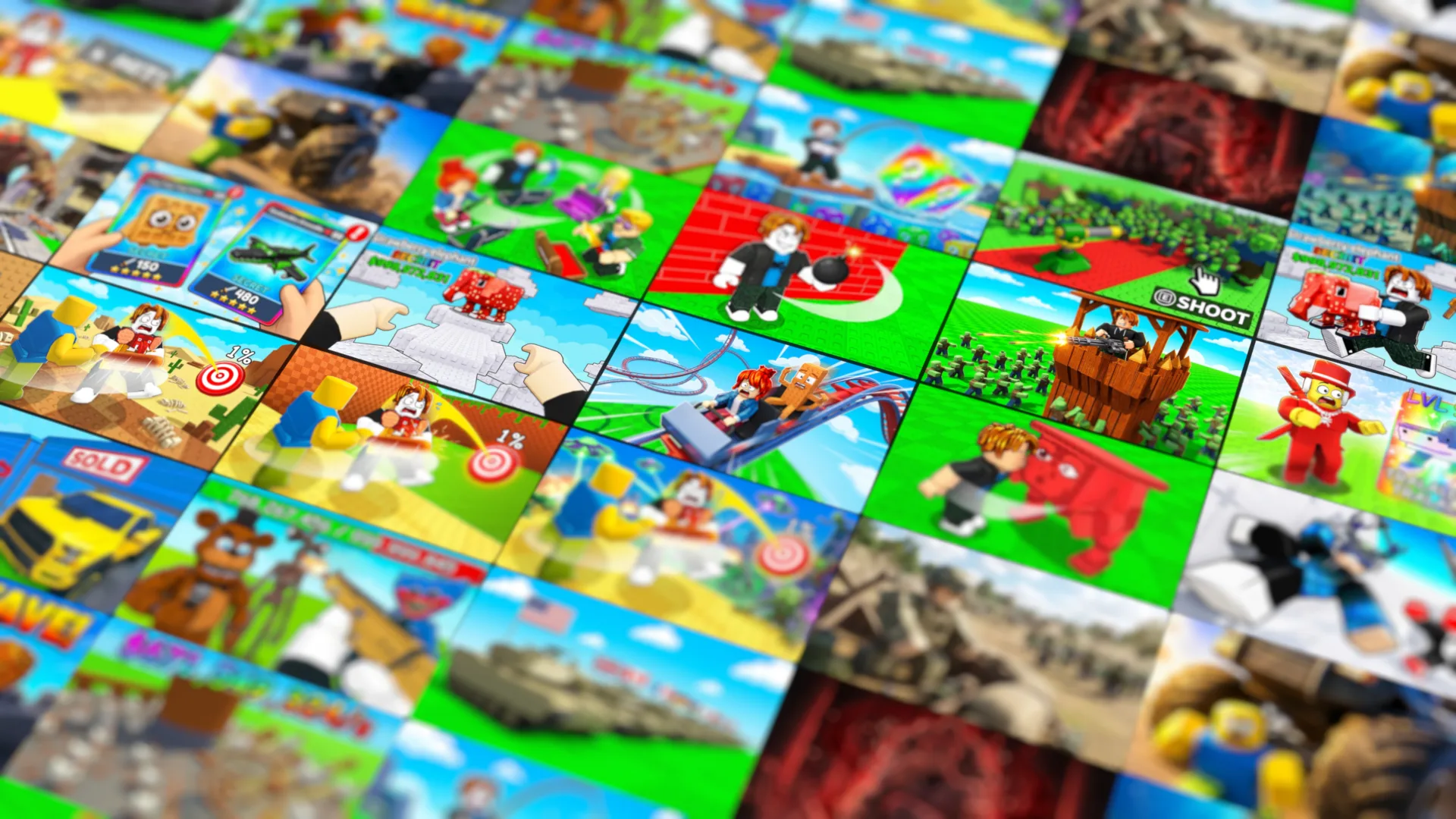
Design game thumbnail images for Roblox, UEFN, Steam and mobile with a clear subject, readable composition and your chosen style.
 AI TOOL
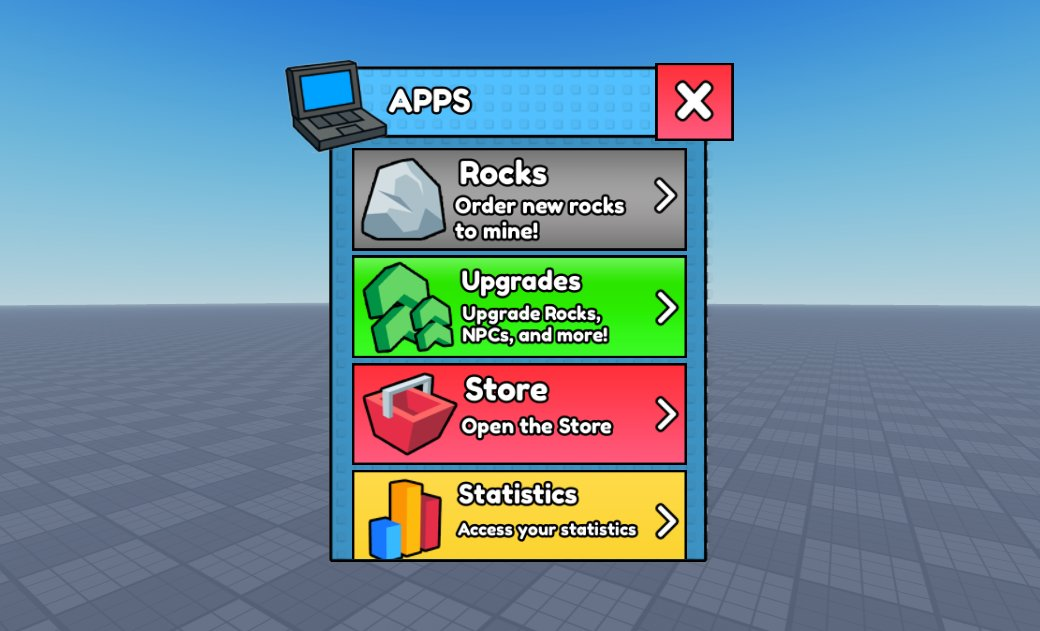
Design visual concepts for game HUDs, menus, inventories and buttons, then build the interactive interface in your engine.
Build crisp, consistent ability, inventory, badge, and store icon sets.
Edit material references into stylized surface images, decals and texture variations for your game-art workflow.
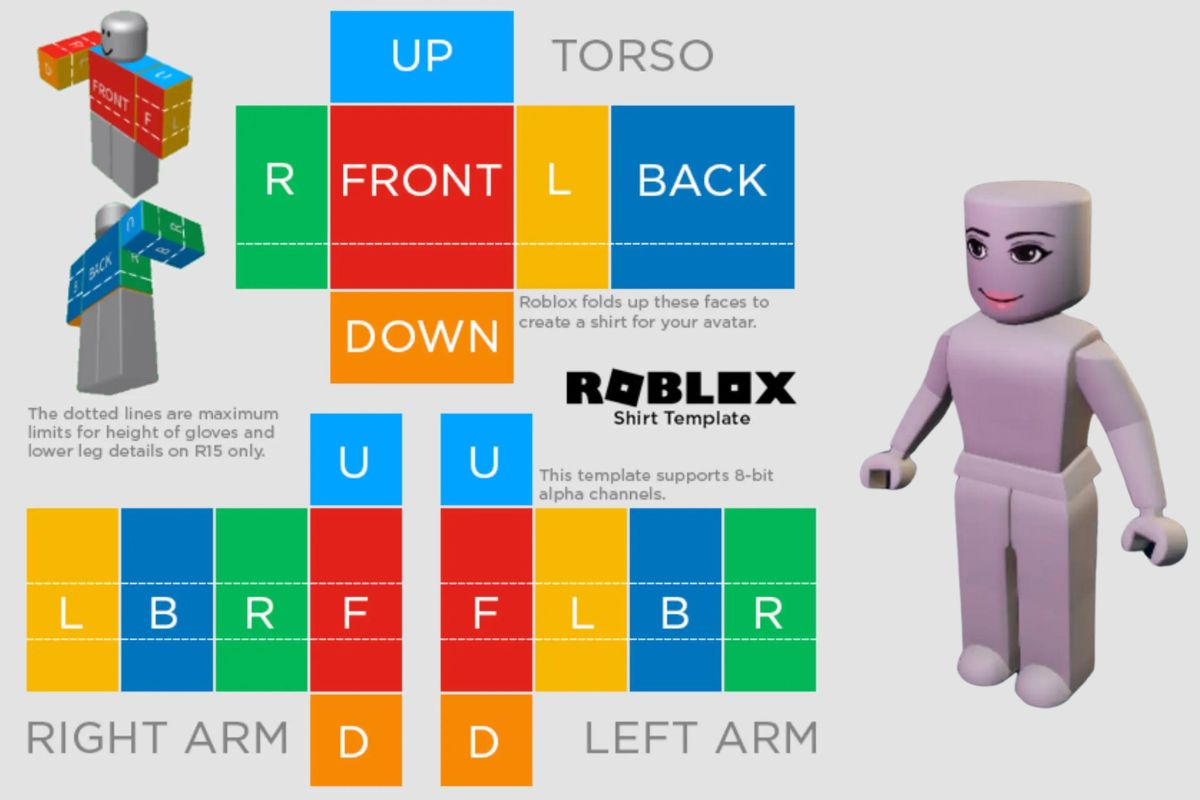
Design character concepts, outfits, turnarounds, expressions, and pose sheets.

Turn character art into rendered motion clips for animation concepts, trailers and promotional scenes.
Generate spell, impact, aura, environment, and interface effect concepts.

Create original game music, menu themes, battle cues, and ambient loops.
Generate audio for game UI feedback, impacts and ambience, then preview and refine the sound for your scene.
Create Roblox shirt and pants concepts, coordinated outfits, patterns, and texture references.
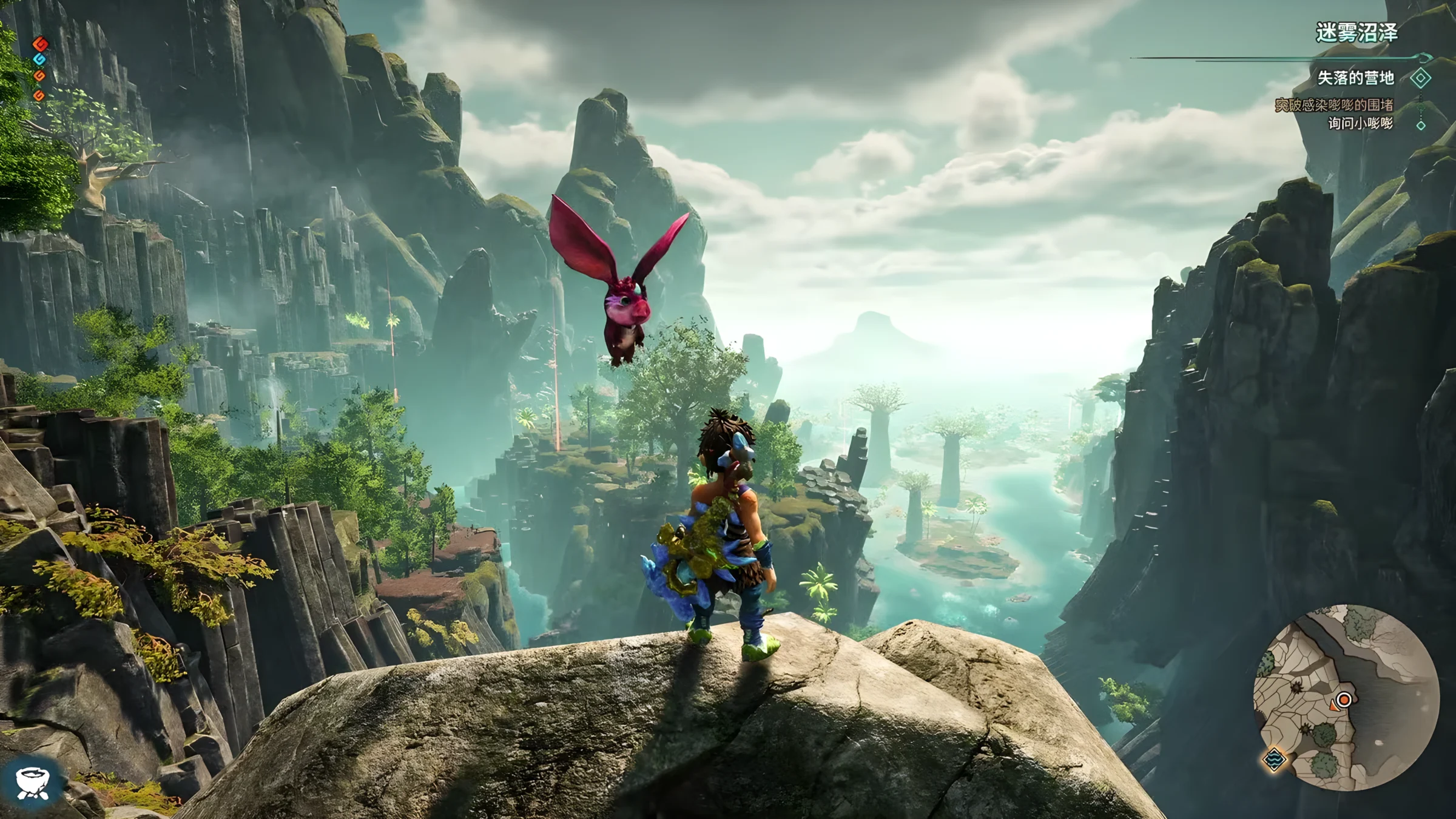
Localize dialogue, quests, tutorials, and UI strings while preserving game context.
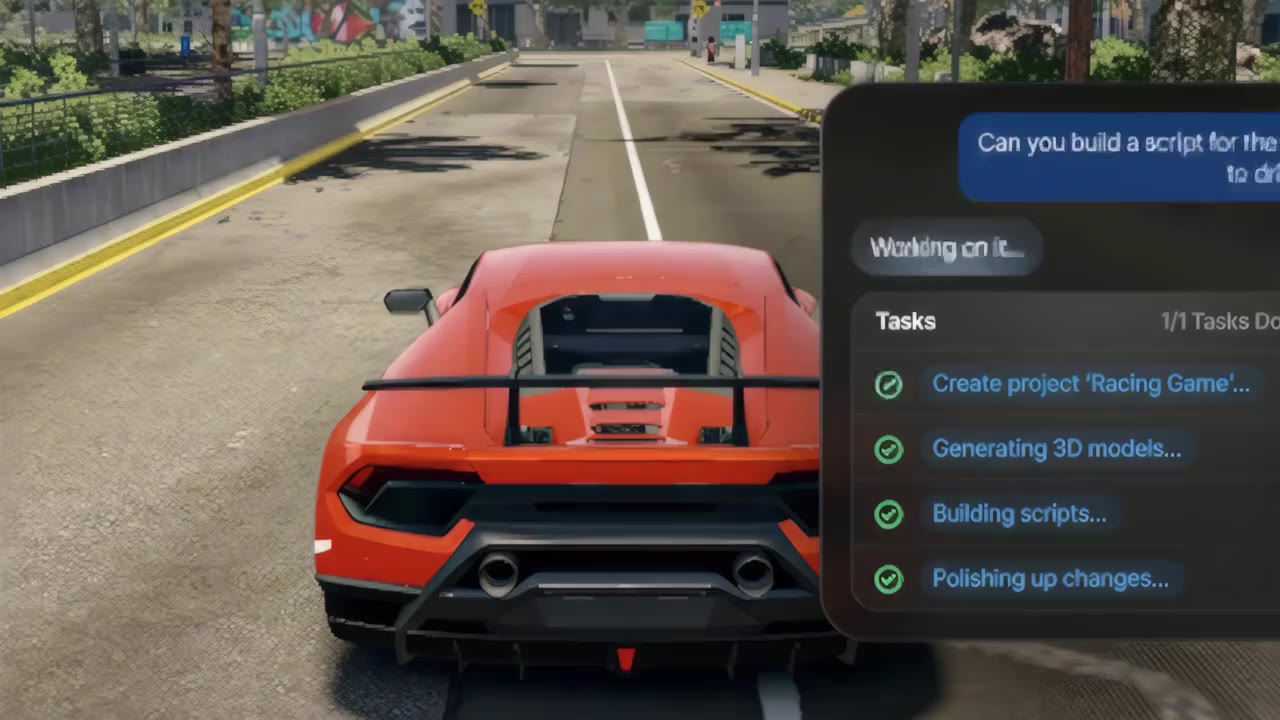
Draft and explain code for Roblox, UEFN, Unity, Unreal and Godot, with review and testing in your own project.
Premium stock catalog
Browse the game-asset collection for visual references and useful starting points. Review the applicable usage terms before publishing.
Explore catalog13+
focused creation studios
Built for developers.
Commercial-use assets.
A community that helps.
Use the full suite with flexible credits and access to the premium stock catalog.
Build a consistent art direction with reusable briefs, reference-guided editing, and flexible credits.
ForgeGUI is a browser-based AI game asset generator for developers. It brings GUI, textured 3D models, thumbnails, characters, textures, effects, audio, localization, and code into one creation workspace.
ForgeGUI is an independently operated AI creation platform. Use the official forgegui.xyz domain, review pricing before purchase, and contact support@forgegui.xyz for account or billing help.
Yes. New accounts can start with free credits. Paid plans add more credits and the benefits listed on the pricing page. 3D generation uses 500 or 625 credits per model; starter credits may not cover every tool.
Create an account, choose a studio from the Toolbox, describe the asset you need, review the credit estimate, generate a small test, and download the finished result.
Use ForgeGUI for UI artwork, thumbnails, clothing concepts, textures, audio and Luau drafts. 3D Creator exports GLB; inspect or convert it in a compatible editor before importing when needed. Engine integration and testing are separate steps.
Credits are consumed when a generation starts. The exact amount depends on the selected tool, model, quality, duration, and output count. Failed provider jobs are automatically refunded.
Export assets for Roblox Studio, Fortnite UEFN, Minecraft, Unity, Unreal Engine, Godot, Blender, mobile games, and web experiences.
Assets you create are yours to use commercially. You can use, modify, distribute, or sell them inside your games and projects, subject to the terms of service.
Yes. Image-based studios accept your screenshots, concepts, textures, and character art as visual references.
Free generations are public by default. Paid users can keep generations private. You can manage visibility or remove results from My Account.
Start free, keep what you create, and move from idea to playable faster.
Start Free Now